How to Make an AI Character Sheet for a Consistent Influencer
A character sheet is a single reference image showing your persona from several angles. It is the fastest way to keep the same face, outfit style and proportions across tools.
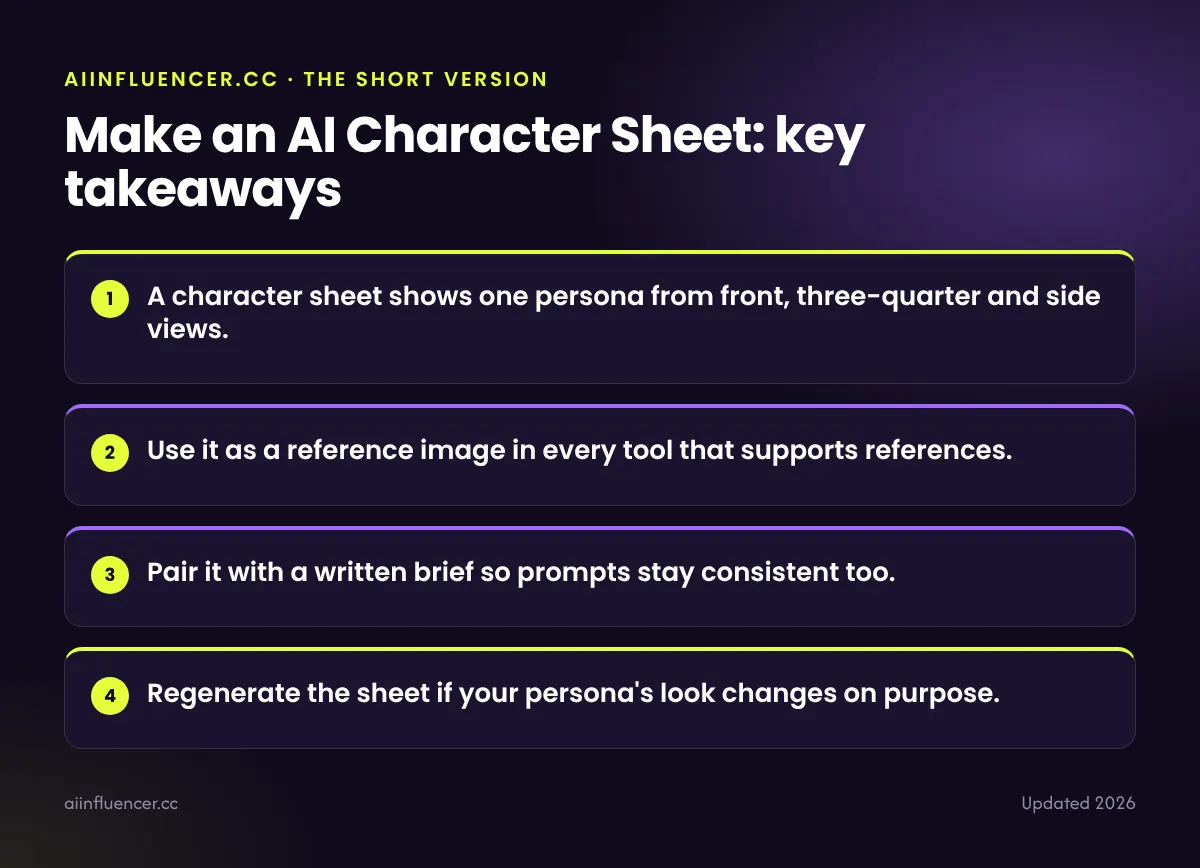
Key takeaways
- A character sheet shows one persona from front, three-quarter and side views.
- Use it as a reference image in every tool that supports references.
- Pair it with a written brief so prompts stay consistent too.
- Regenerate the sheet if your persona’s look changes on purpose.
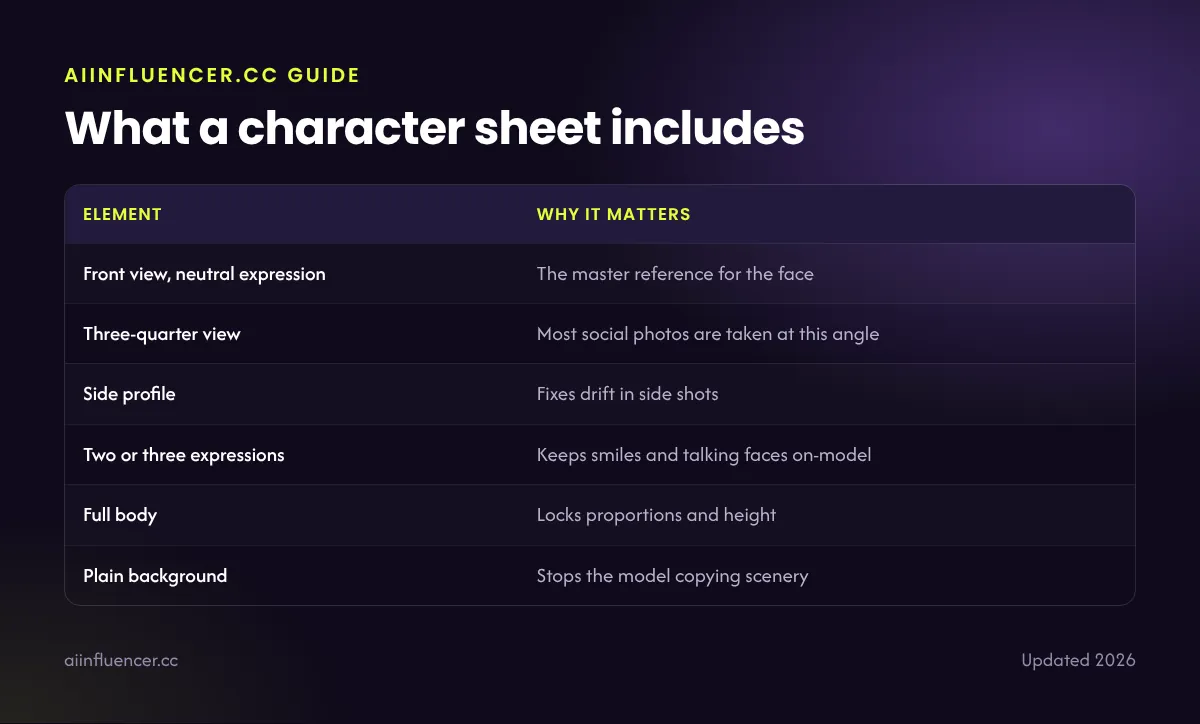
What a character sheet includes
| Element | Why it matters |
|---|---|
| Front view, neutral expression | The master reference for the face |
| Three-quarter view | Most social photos are taken at this angle |
| Side profile | Fixes drift in side shots |
| Two or three expressions | Keeps smiles and talking faces on-model |
| Full body | Locks proportions and height |
| Plain background | Stops the model copying scenery |
Character sheet prompt template
Template
character reference sheet of [name], a [age]-year-old [description], [hair], [eyes], [signature detail], shown in front view, three-quarter view and side profile, neutral expression and soft smile, full body standing pose, plain light grey background, even studio lighting, consistent proportions, photorealistic
Generate several sheets and pick the one that matches your brief best. Then crop single views from it if a tool works better with one face per image.
How to use the sheet in each tool
- Chat-based tools (GPT Image, Nano Banana): upload the sheet and say “keep this exact person”.
- Leonardo and similar apps: add it as a character or image reference.
- Midjourney: use its reference features with the front view; check your version’s documentation.
- Stable Diffusion / FLUX: crop the views into a LoRA training set.
- Video tools: use the front view as the first frame for talking-head clips.
Common mistakes
- Busy backgrounds the model then copies into every image
- Mixed lighting between views, which confuses references
- Extreme expressions as the main reference
- Accessories that hide the face, such as sunglasses
- Changing the sheet every week
For the full consistency workflow, see how to keep an AI face consistent.
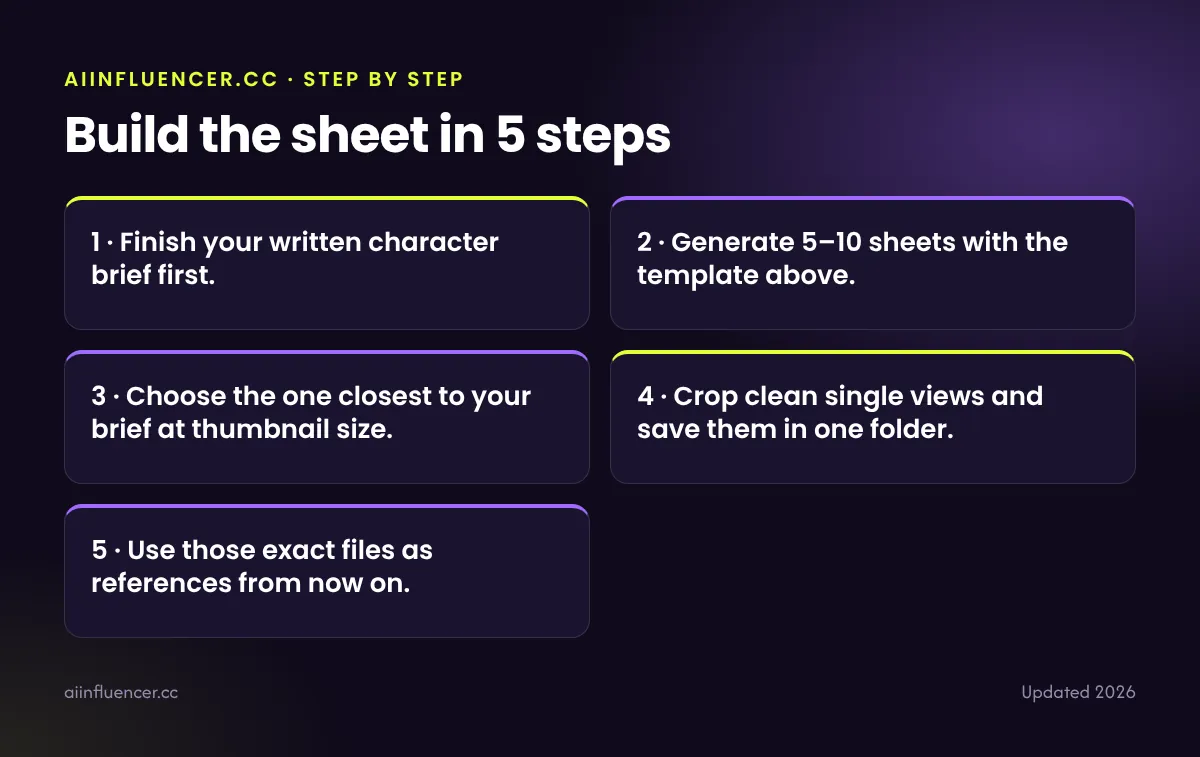
Build the sheet in 5 steps
- Finish your written character brief first.
- Generate 5–10 sheets with the template above.
- Choose the one closest to your brief at thumbnail size.
- Crop clean single views and save them in one folder.
- Use those exact files as references from now on.
FAQ
Frequently asked questions
What is an AI character sheet?
One image showing the same character from several angles and expressions, used as a reference to keep the character consistent.
Does a character sheet replace a LoRA?
Not fully. It is faster, but a trained LoRA gives more reliable consistency over hundreds of images.
Which tool makes the best character sheets?
Tools that follow detailed prompts well, such as GPT Image or Nano Banana, usually give the cleanest sheets.
Keep reading