How to Train a LoRA for Your AI Influencer (Beginner Guide)
A LoRA is a small add-on model that teaches an image model one specific face. It is the most reliable way to keep an AI influencer identical across hundreds of posts.
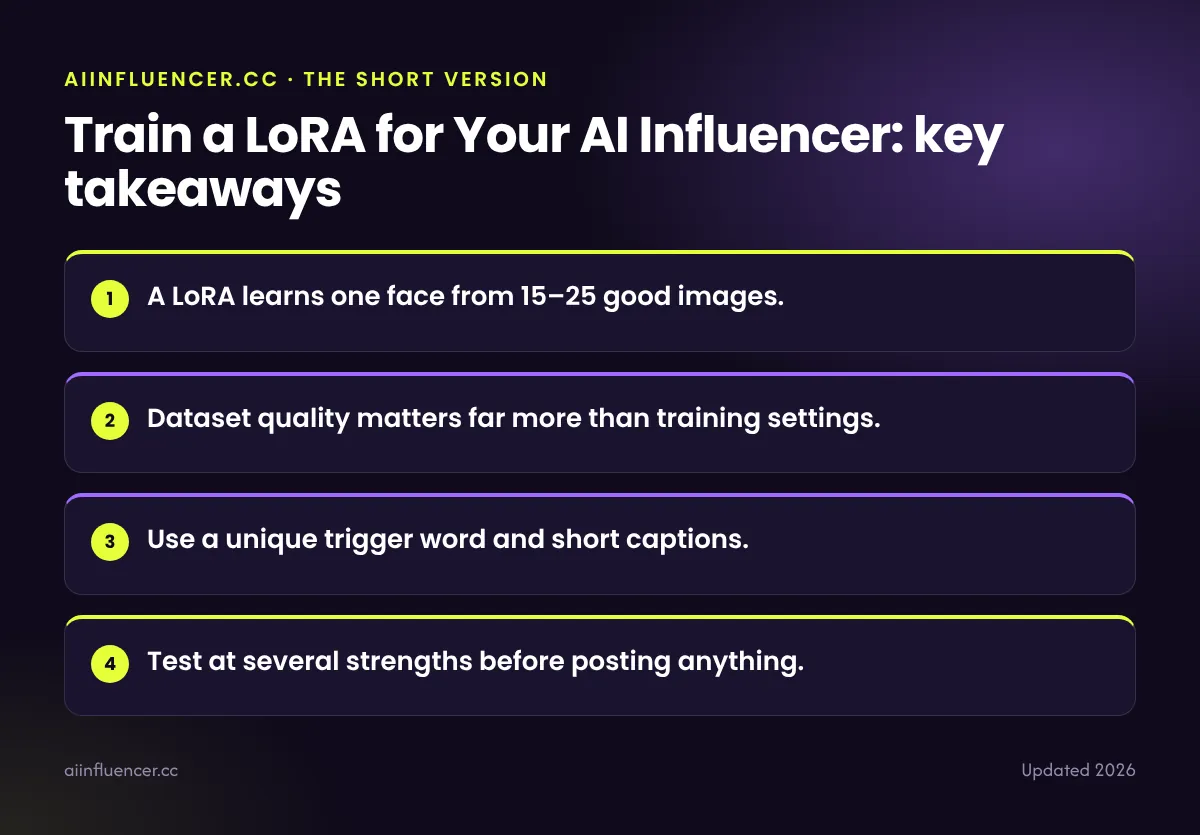
Key takeaways
- A LoRA learns one face from 15–25 good images.
- Dataset quality matters far more than training settings.
- Use a unique trigger word and short captions.
- Test at several strengths before posting anything.
What a LoRA is
LoRA stands for low-rank adaptation. Instead of retraining a whole model, it trains a small file that sits on top of an open model such as FLUX or Stable Diffusion. When you add its trigger word to a prompt, the model draws your persona.
If you have not chosen your persona’s face yet, start with our step-by-step guide.
Build the dataset
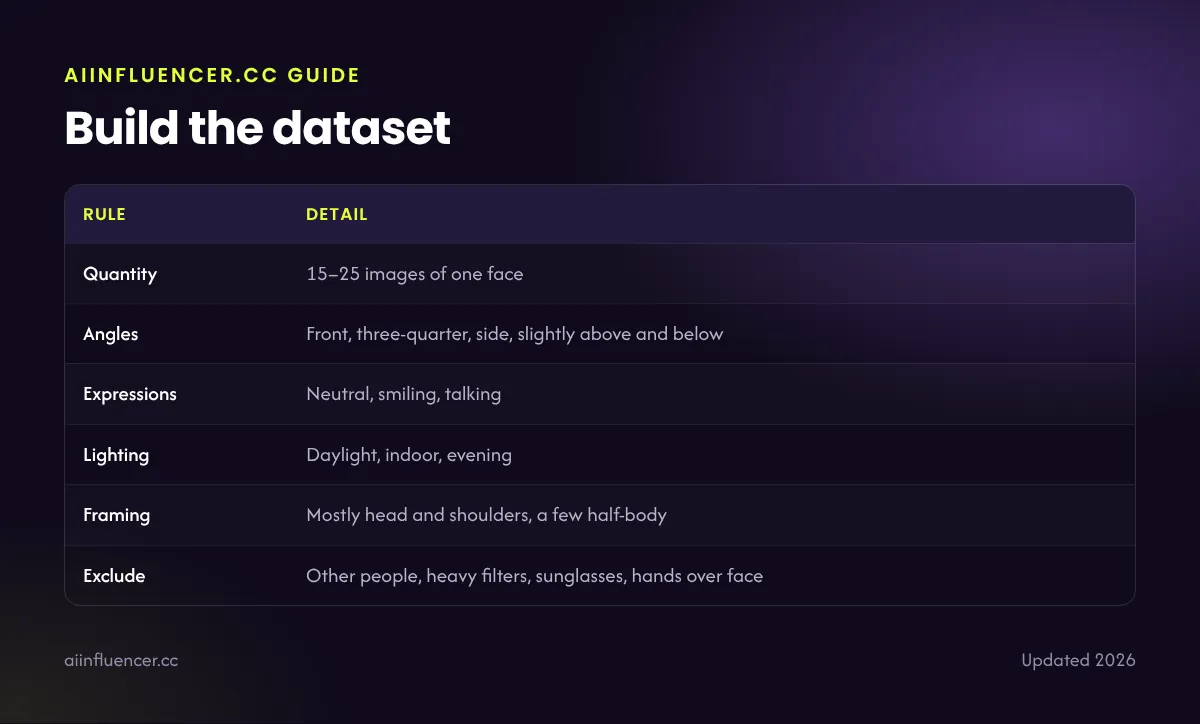
| Rule | Detail |
|---|---|
| Quantity | 15–25 images of one face |
| Angles | Front, three-quarter, side, slightly above and below |
| Expressions | Neutral, smiling, talking |
| Lighting | Daylight, indoor, evening |
| Framing | Mostly head and shoulders, a few half-body |
| Exclude | Other people, heavy filters, sunglasses, hands over face |
Create the images with a character reference, then keep only the ones that truly look like the same person.
Caption the images
Give each image a short caption that starts with a unique trigger word, such as “mrlin woman”, followed by what changes in the image: clothes, setting, lighting and expression. Do not describe the face itself; the LoRA should learn that.
Where to train
- Hosted trainers on platforms that run FLUX or Stable Diffusion: easiest, paid per training.
- Your own GPU with tools such as ComfyUI workflows or kohya-based trainers: free after setup.
- Some creator apps offer built-in “train a character” features, which are LoRAs behind the scenes.
Check the licence of the base model and the training service before commercial use.
Training and testing steps
- Upload the dataset and captions.
- Start with the trainer’s recommended defaults for faces.
- Train, then generate test images at strengths around 0.6, 0.8 and 1.0.
- Check front, side and full-body prompts in different settings.
- If the face is weak, improve the dataset and retrain rather than changing settings.
- Save the final LoRA file and the trigger word in your character brief.
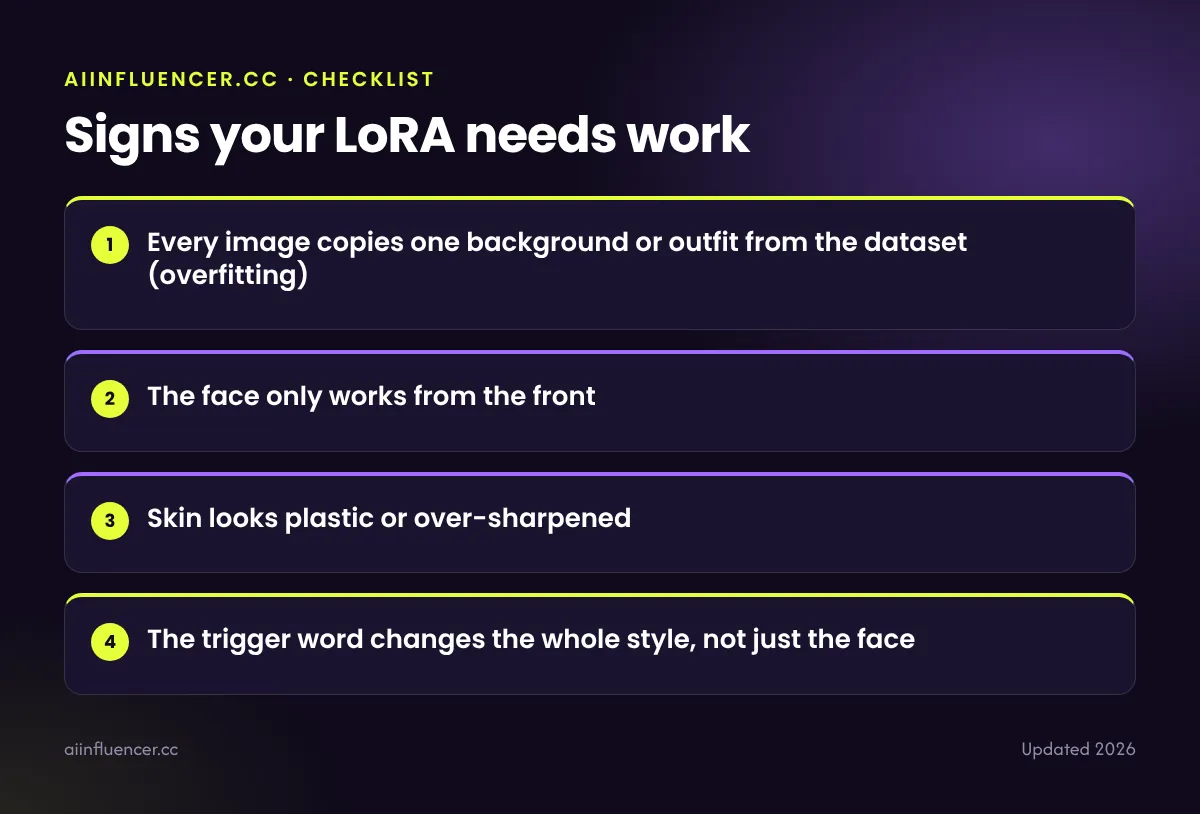
Signs your LoRA needs work
- Every image copies one background or outfit from the dataset (overfitting)
- The face only works from the front
- Skin looks plastic or over-sharpened
- The trigger word changes the whole style, not just the face
Then use it with our influencer prompts.
FAQ
Frequently asked questions
How many images do I need to train a LoRA?
Around 15–25 high-quality images of the same face, from varied angles, expressions and lighting.
Can I train a LoRA for free?
Yes, on your own graphics card with free open-source tools. Hosted training is easier but paid.
FLUX or Stable Diffusion for an AI influencer LoRA?
FLUX models are popular for realism; Stable Diffusion has a larger ecosystem of tools. Both work.
Keep reading