How to Make an AI Influencer for TikTok
TikTok is all video, so an AI influencer there needs motion, a voice and fast editing. Here is the workflow creators use, the formats that work, and how to label AI content properly.
Key takeaways
- Start from a locked still image of your persona.
- Animate it, add one consistent voice, then caption and cut fast.
- Turn on TikTok’s AI-generated content label for realistic videos.[1]
The 4-step TikTok workflow
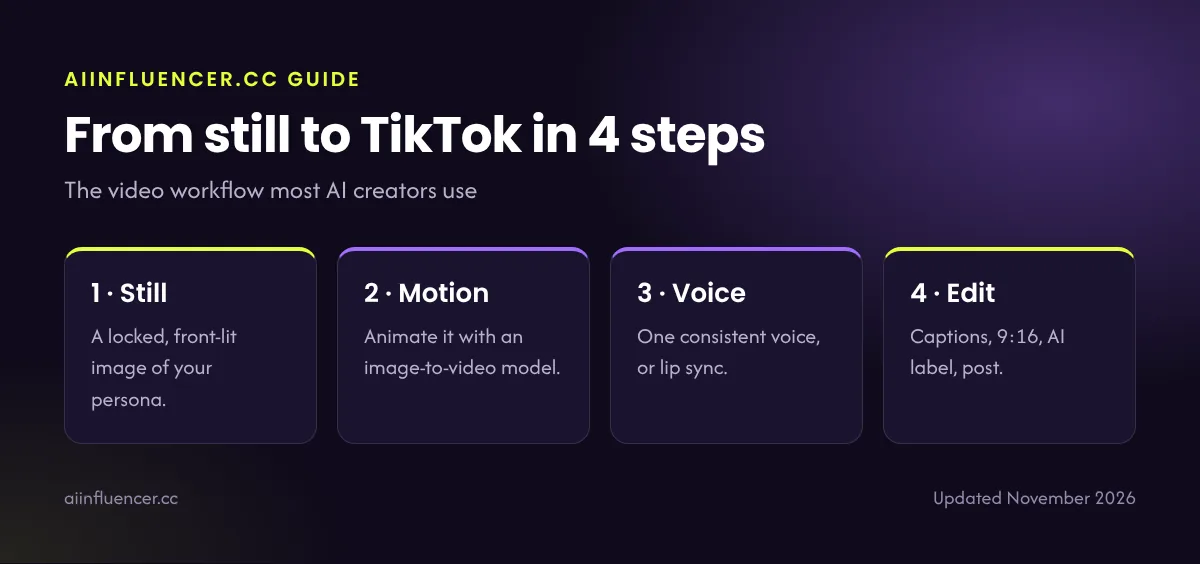
Step 1: A strong still
Generate a front-lit, sharp image of your persona in a 9:16 frame. This becomes the first frame of your video. Use your consistent face method.
Step 2: Add motion
Animate the still with an image-to-video model such as Veo, Kling or Runway. Keep moves simple: a turn, a smile, a walk toward camera. Short clips of 4–8 seconds look most natural.
Step 3: Add a voice
For talking videos, use a lip-sync or avatar tool like HeyGen with one consistent voice. See how to give your AI influencer a voice.
Step 4: Edit and post
Cut clips together, add bold captions (many people watch without sound), add trending audio where it fits, and post in 9:16. Label the video as AI-generated.
TikTok formats that work for AI influencers
| Format | Why it works |
|---|---|
| “Day in my life” montage | Builds the persona’s world quickly |
| Talking-head tip | Easy to make with an avatar tool; builds authority |
| Before / after transformation | Outfits, rooms, edits: high watch time |
| Reply to a comment video | Shows a real relationship with followers |
| Series (“Part 1, 2, 3”) | Brings viewers back for the next episode |
Growth tips for TikTok
- Post daily if you can; at least four times a week.
- Hook in the first second: movement, a question or a bold caption.
- Keep most videos under 30 seconds while you learn.
- Reply to comments with video replies.
- Reuse your best TikToks as Instagram Reels and YouTube Shorts.
Choose your tools: best AI video generators and our HeyGen review.
FAQ
Frequently asked questions
Can you make an AI influencer on TikTok?
Yes. Label realistic AI content with TikTok’s AI-generated content setting and follow its community guidelines.
What tools do I need for an AI TikTok influencer?
An image generator for the persona, an image-to-video model for motion, a voice or lip-sync tool, and a video editor like CapCut.
How long should AI TikTok videos be?
Start with 7–30 seconds. Short videos are easier to make convincingly and keep viewers watching.
Sources
- TikTok Support, AI-generated content
Keep reading
Related guides
How to create an AI influencer
The full step-by-step process, from character brief to first brand deal.
The complete AI influencer guide
What AI influencers are, how they earn, the tools and the rules, all on one page.