AI Lip Sync: How It Works and the Best Tools for Creators
AI lip sync matches mouth movement to audio so a still or video character appears to speak. It is what turns an AI influencer from a set of photos into a personality.
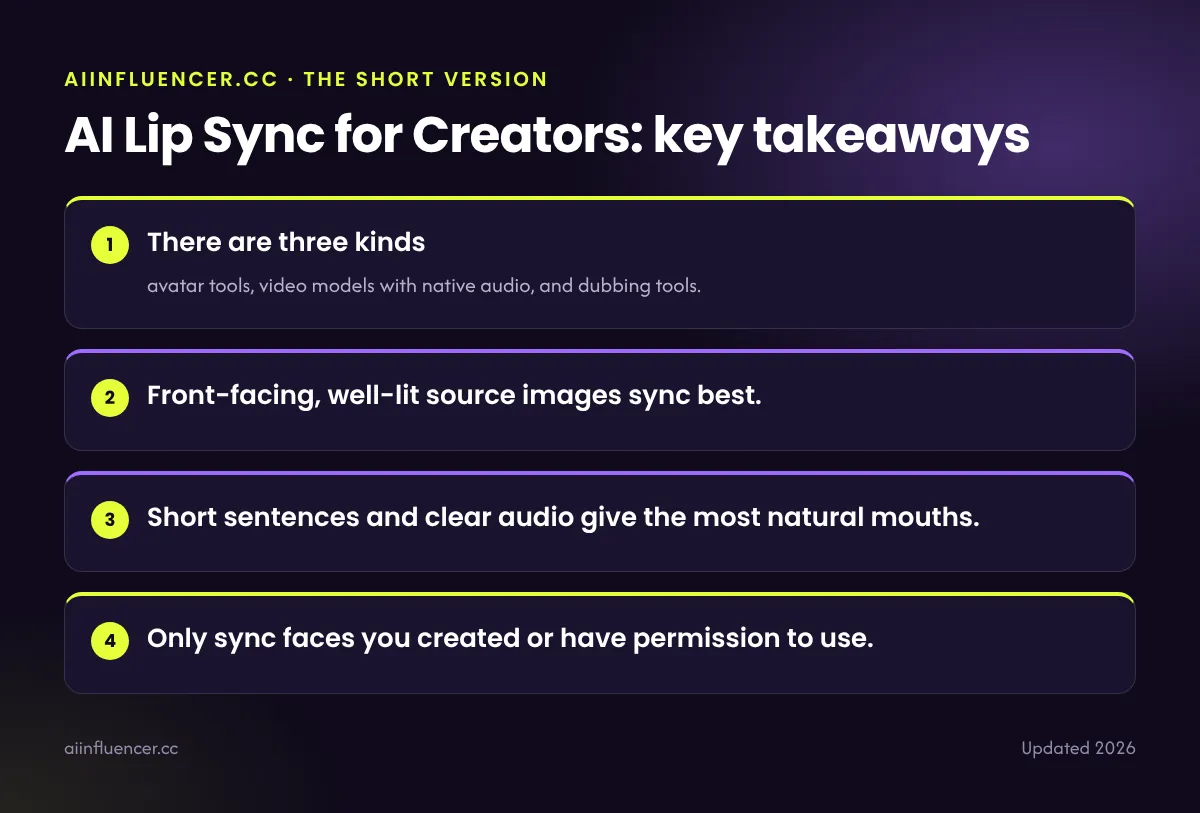
Key takeaways
- There are three kinds: avatar tools, video models with native audio, and dubbing tools.
- Front-facing, well-lit source images sync best.
- Short sentences and clear audio give the most natural mouths.
- Only sync faces you created or have permission to use.
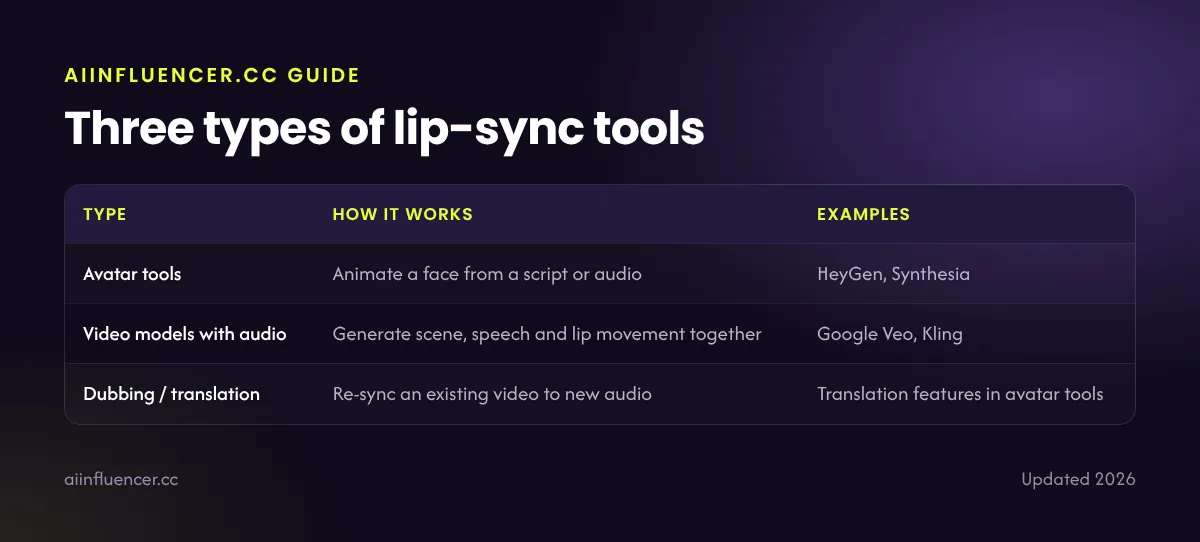
Three types of lip-sync tools
| Type | How it works | Examples |
|---|---|---|
| Avatar tools | Animate a face from a script or audio | HeyGen, Synthesia |
| Video models with audio | Generate scene, speech and lip movement together | Google Veo, Kling |
| Dubbing / translation | Re-sync an existing video to new audio | Translation features in avatar tools |
See the HeyGen review and AI video generator comparison.
How to get natural lip sync
- Use a front-facing image with the mouth closed and teeth hidden.
- Light the face evenly; avoid hard shadows on the mouth.
- Record or generate clean audio with no music underneath.
- Write short sentences with natural pauses.
- Keep clips under about 30 seconds and cut between them.
- Add music and captions after the sync, not before.
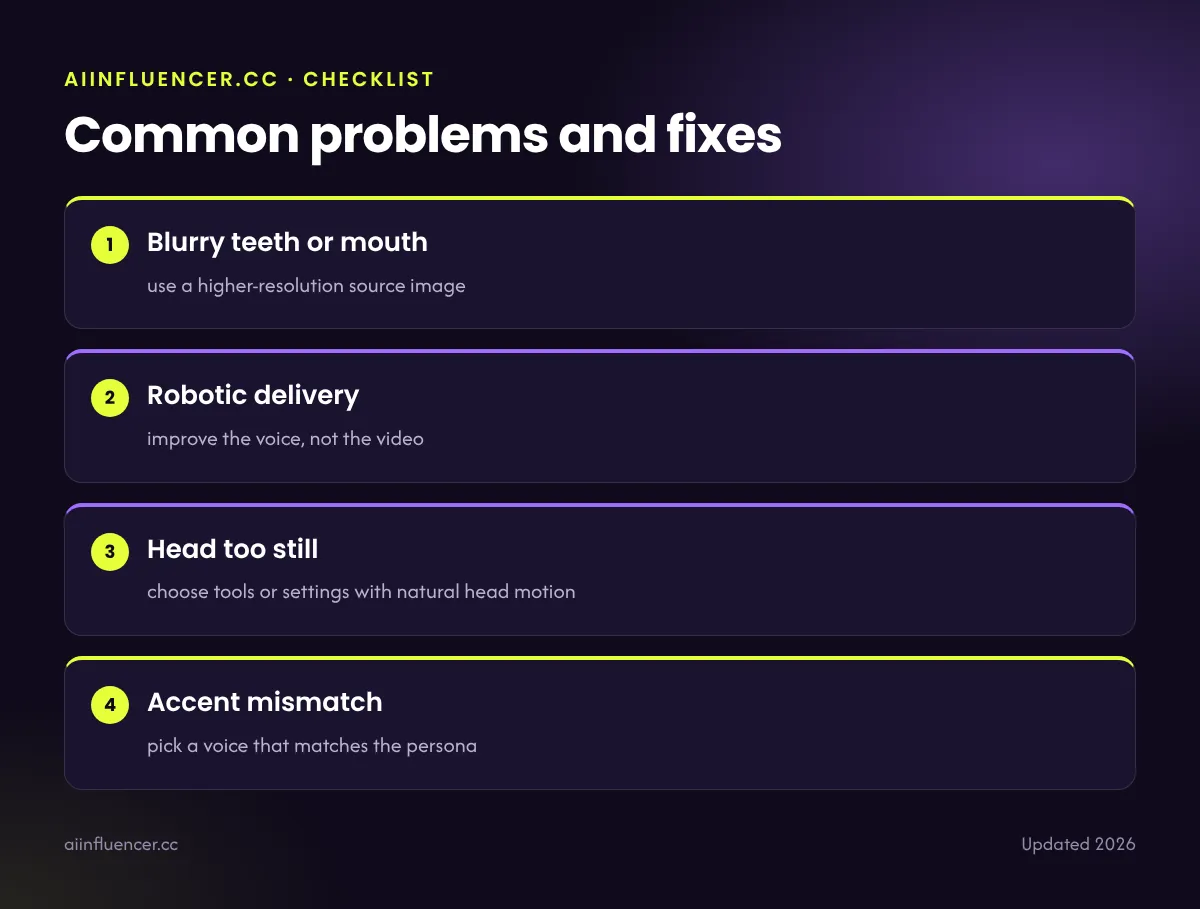
Common problems and fixes
- Blurry teeth or mouth: use a higher-resolution source image
- Robotic delivery: improve the voice, not the video
- Head too still: choose tools or settings with natural head motion
- Accent mismatch: pick a voice that matches the persona
Consent and labelling
Never lip-sync a real person’s face or voice without written permission, and label realistic results on social platforms. The rules are covered in are AI influencers legal?
FAQ
Frequently asked questions
What is the best AI lip sync tool?
For talking avatars, HeyGen is widely rated as the most natural. For speech inside generated scenes, Veo and Kling are strong options.
Can AI lip sync a photo?
Yes. Avatar tools animate a single photo to speak from a script or audio file.
Is AI lip sync legal?
Yes for faces and voices you own or have permission to use, with proper labelling.
How long can AI lip-sync videos be?
Most tools handle longer clips, but results look most natural when you keep segments under about 30 seconds and cut between them.
Keep reading
Related guides
How to Make an AI Character Sheet for a Consistent Influencer
The reference that keeps one face